




Signing in to an online casino should be straightforward, but it is worth taking a moment to check that you are using the right website and protecting your account. This guide looks at the Bull Spins login process for players in the United Kingdom, explains what to do if access fails, and covers sensible security checks before playing. It also considers the game experience without assuming that a particular promotion, payment option or feature is available to every visitor.
Finding the correct sign-in page
Start by opening Bull Spins through a trusted bookmark or by entering the casino’s verified web address yourself. Avoid links in unsolicited messages, adverts that imitate a casino brand, or search results that look unfamiliar. A convincing logo is not proof that a page is genuine. Check the spelling of the domain and look for a secure connection in your browser before entering any personal details.
On the casino’s home page, select the sign-in or login option, commonly displayed near the top of the screen. Enter the email address or username associated with your account and your password. If the site asks for an additional verification step, complete it only on the official page. Do not share one-time codes or passwords with anyone claiming to be casino staff.
New visitors should use the registration process rather than attempting to sign in with details they have not yet created. Read the terms, privacy information and eligibility requirements carefully. Online gambling is restricted to adults; in the UK, you must be at least 18. Check that the operator is appropriately licensed to serve customers in your location before depositing or playing.
What to expect after login
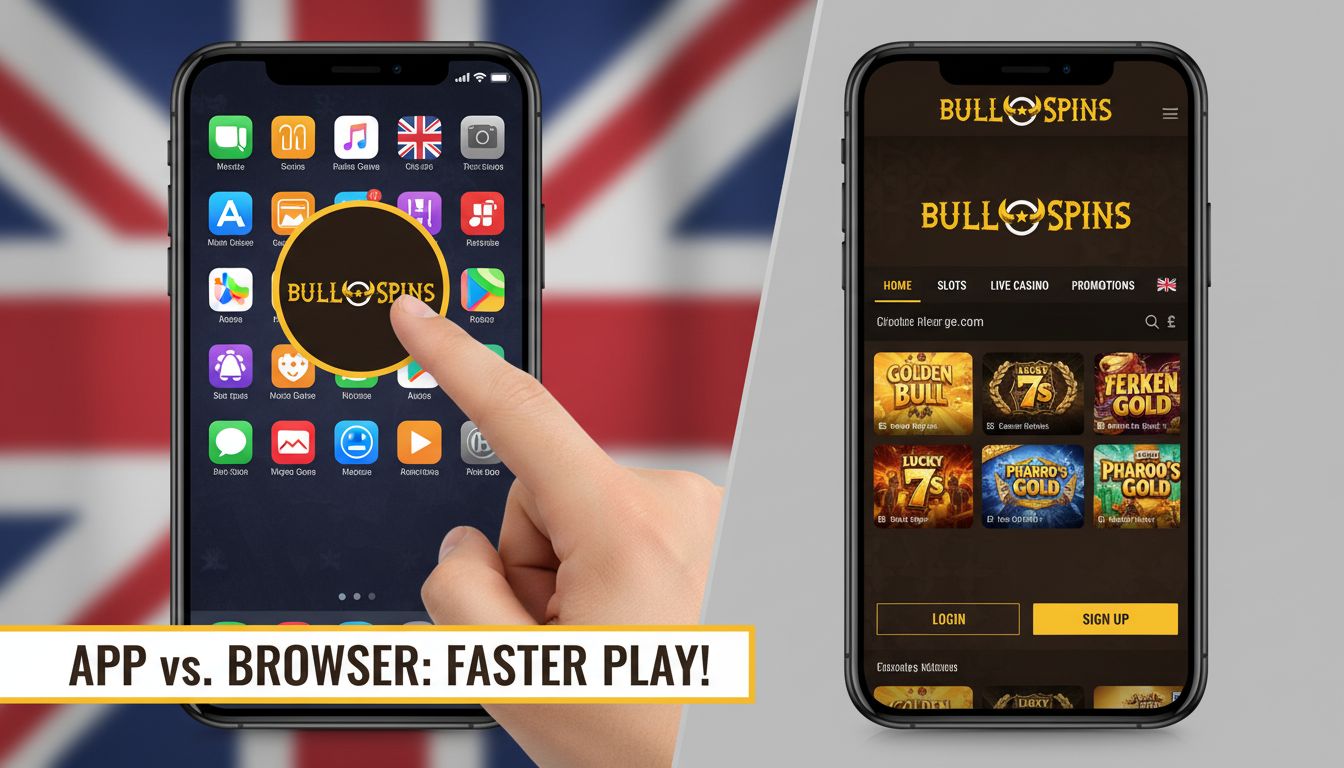
Once signed in, you may be taken to an account area, the casino lobby or a previously opened game; The layout can vary by device and by website version. Look for account controls that let you review your balance, transaction history, personal details and safer-gambling settings. Make sure the name and contact information shown are accurate, and do not continue if you see activity you do not recognise.
Players interested in Bull Spins can search for the game within the casino lobby. Its availability may depend on the operator, location, account status and current game catalogue. Before launching it, check the game information panel for the provider, rules, paytable, volatility details if supplied, and any stated limits. The title alone does not establish the game’s mechanics or guarantee that every casino offers the same version.
Some players use the phrase Play GB Bull Spins when looking for a UK-oriented way to access the game. Treat that wording as a search phrase rather than evidence that a specific service is licensed or suitable. Confirm the operator’s identity, terms and UK availability independently before creating an account or making a payment.
Recovering access when sign-in does not work
If the login is rejected, first check for typing errors, an incorrect keyboard layout, or an accidental space before or after your email address. Passwords are case-sensitive, so verify capital letters and symbols. If you use a password manager, check that it has filled in the details for the correct site rather than an old or lookalike address.
Use the password-reset process
Select the site’s password-recovery link and follow the instructions sent to the email address registered to your account. Check junk and spam folders if the message does not arrive, but do not repeatedly request resets in a short period. Use a unique password that you have not used on other websites. If the recovery message contains a link, confirm that it directs to the casino’s genuine domain before opening it.
Check for account or browser issues
A temporary service interruption, outdated browser, blocked cookies or an unstable connection can also prevent login. Try refreshing the page, updating the browser or using a private window. Avoid signing in over public Wi-Fi, especially if you cannot verify the network. If the account is locked or verification is pending, contact customer support using details displayed on the official website. Support staff should not need your password or full payment-card security code.
Security and responsible play
Protect the email account linked to your casino profile as carefully as the casino account itself. Use a different password for each service and enable two-factor authentication where offered. Log out on shared devices, keep your operating system and browser current, and never save credentials on a public computer. If you suspect someone else has accessed your account, change your password and contact the operator promptly.
Before depositing, review the available payment methods, processing times, fees and withdrawal requirements in the casino’s terms. Do not assume a payment method is available simply because it is common in the UK. Keep records of deposits and withdrawals, and use only payment accounts that belong to you. A casino may request identity or age checks; submit documents only through its secure, official verification channel.
Casino games are gambling, not a reliable way to earn money. Outcomes are uncertain, and a run of wins or losses does not predict what will happen next. Set a budget and time limit before playing, and stop when either limit is reached. Do not chase losses or gamble with money needed for bills. UK players can use account tools such as deposit limits, time-outs or self-exclusion where available. If gambling is causing harm, seek support from a recognised UK service such as GamCare or the National Gambling Helpline.
Questions and answers
Can I sign in to Bull Spins from a mobile phone?
Usually, casino websites can be accessed through a mobile browser, but the precise experience depends on the operator and your device. Use the official website and check that the page displays correctly before entering credentials. Only install an app if it is clearly provided through an official, trusted channel and its publisher can be verified.
What should I do if I no longer have access to my registered email?
Contact customer support through the casino’s verified website and explain that you cannot access the email account. The operator may ask for identity checks before changing account details. Do not create a second account to get around a verification issue; this may conflict with the site’s rules.
Is it safe to stay logged in?
On a private device protected by a passcode, remaining signed in may be convenient, but it increases risk if the device is lost or shared. On public or shared devices, do not select “remember me”; sign out fully and close the browser when finished.
Does logging in mean I can play immediately?
Not necessarily. The casino may require age, identity or payment verification, and game access may depend on location and account checks. Read any prompts and terms before proceeding. If a requirement is unclear, ask support rather than attempting to bypass it.
Quick pre-login checklist
- Confirm the web address and secure browser connection.
- Use your own device and a unique, strong password.
- Check that the account email and recovery details are current.
- Review the casino’s UK licensing information and terms.
- Set a gambling budget and use available safer-play controls.
A careful login routine helps protect personal information and reduces the chance of landing on an imitation site. Once access is restored, take time to inspect the account and game details rather than rushing into a deposit. If anything about the page, payment request or account activity seems unusual, stop and verify it with the operator through an independently confirmed support channel.